Service 03 · Built around your business
Invoicing and payment follow-up
Prepare invoices from completed jobs, track outstanding payments and send approved reminders.
Outcome: Less paperwork and more consistent payment administration.
Book an Automation Assessment →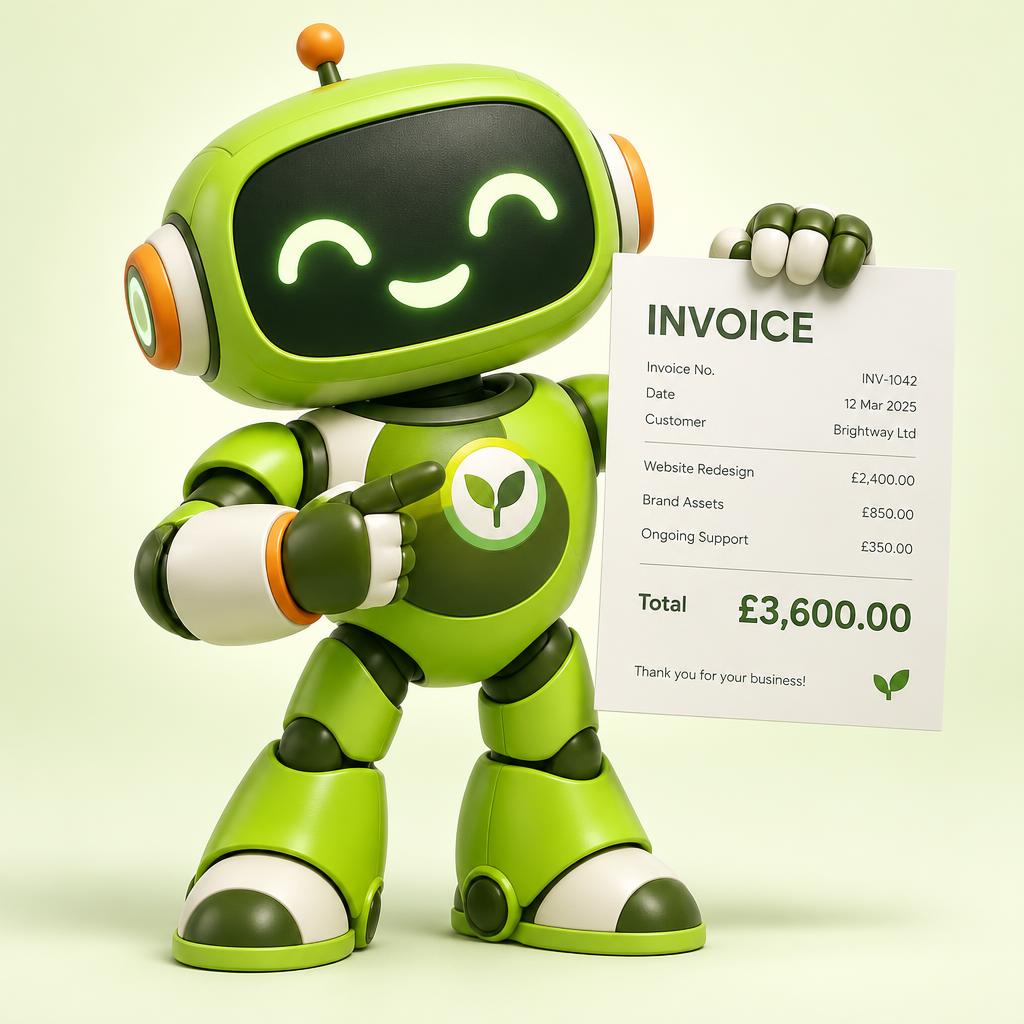
The job today
Remembering what was agreed, getting invoices out on time and chasing late payers.
What it needs from you
- The agreed quote or contract
- Completed jobs and any changes
- How firm you want reminders to be
What it prepares
- Draft invoices matching the work done
- A clear list of what is paid and overdue
- Reminders in your tone, ready to send
Where you stay in control
Invoices and reminders follow the approval rules you agree: wait for you, or go out on an agreed schedule. You can pause reminders for any customer.
When something goes wrong
Discrepancies between the quote and the job, and overdue accounts, are flagged to you rather than sent.
Illustrative example · Waste management
Forty monthly collections finish on Friday. By Monday the invoices are drafted, two with extra lifts flagged for checking. Grace approves them in ten minutes.
Common questions
Will it work with my accounts software?
We will say in your proposal whether we can connect to your tools, such as Xero or QuickBooks. We never promise a connection until it is built and tested.
Will reminders upset customers?
You set the tone and timing, and you can stop reminders for any customer.
Other services